
Computer Vision Syndrome: Symptoms & Prevention
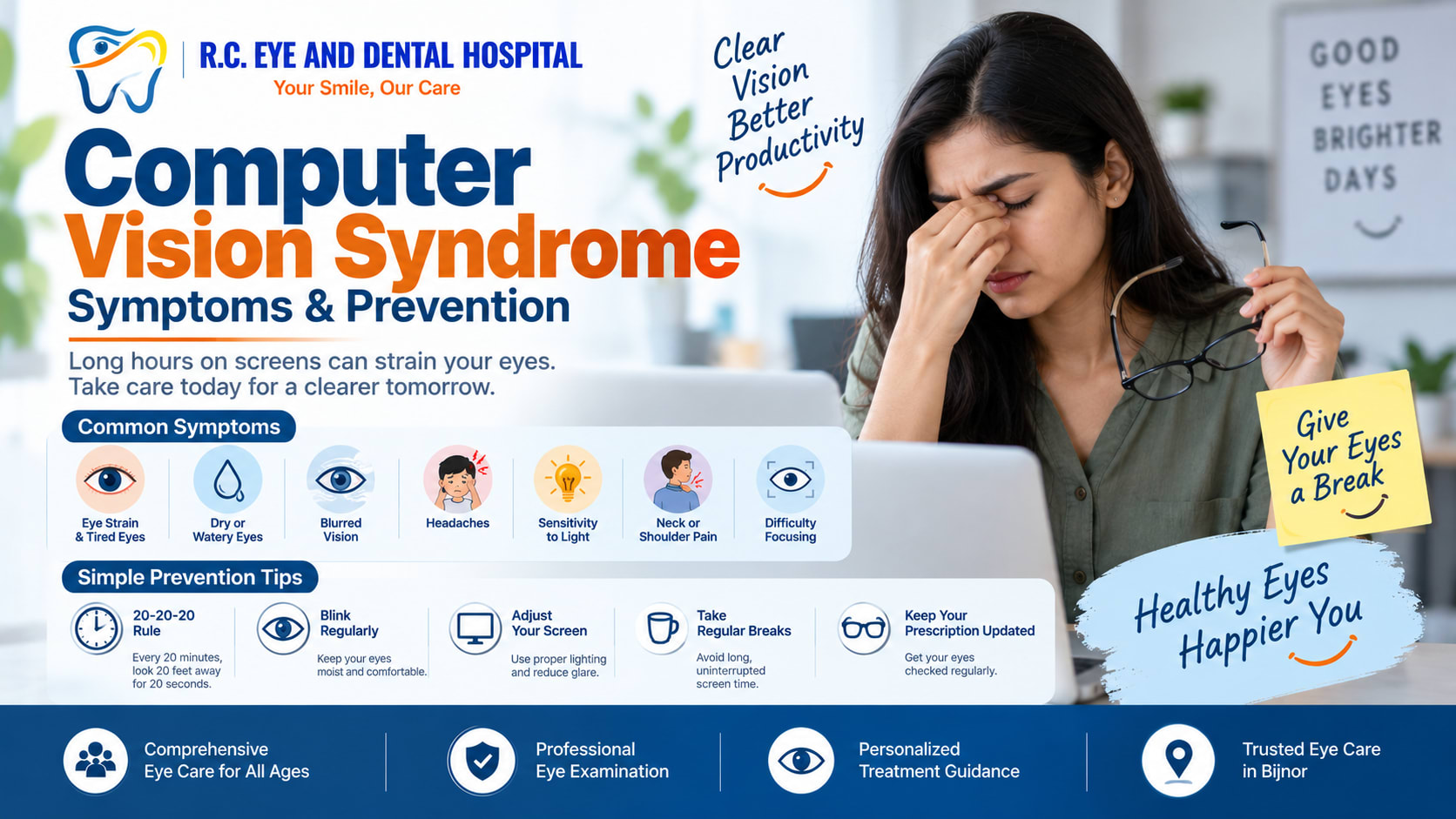
What Is Computer Vision Syndrome?
Computer Vision Syndrome refers to a group of eye and vision-related symptoms that can occur after spending prolonged periods looking at computers, smartphones, tablets or other digital screens.
Long periods of screen use may make the eyes work harder to focus. People may also blink less while concentrating on a screen, which can contribute to dryness and irritation.
Common Symptoms of Computer Vision Syndrome
The symptoms can vary from person to person. Common complaints include:
- Eye strain or tired eyes
- Dry or watery eyes
- Burning or irritation
- Blurred vision
- Headaches
- Difficulty focusing
- Increased sensitivity to light
- Neck or shoulder discomfort associated with prolonged screen use
These symptoms often become more noticeable after extended screen sessions.
What Causes Digital Eye Strain?
Several factors can contribute to Computer Vision Syndrome, including:
Prolonged Screen Use
Spending many continuous hours on digital devices can increase visual fatigue.
Reduced Blinking
People often blink less when concentrating on screens, which can contribute to dry eyes.
Poor Lighting or Screen Glare
Reflections and excessive brightness can make viewing a screen more uncomfortable.
Incorrect Viewing Distance
Sitting too close to a screen or using an unsuitable viewing position can increase visual discomfort.
Uncorrected Vision Problems
An incorrect or outdated glasses prescription can make screen-related symptoms more noticeable.
How Can You Prevent Computer Vision Syndrome?
A few simple habits can help reduce digital eye strain:
Follow the 20-20-20 Rule
Every 20 minutes, look at something around 20 feet away for about 20 seconds. This gives your eyes a regular break from close focusing.
Blink Regularly
Make a conscious effort to blink frequently while using digital devices.
Adjust Your Screen
Keep the screen at a comfortable distance and position it so you do not need to constantly bend or stretch your neck.
Reduce Glare
Use appropriate room lighting and adjust screen brightness and contrast for comfortable viewing.
Take Regular Breaks
Avoid long, uninterrupted screen sessions. Stand up, move around and give your eyes a break.
Keep Your Vision Prescription Updated
If you regularly experience blurred vision, headaches or difficulty focusing, an eye examination can help determine whether a vision correction is needed.
When Should You See an Eye Specialist?
Occasional eye fatigue after prolonged screen use is common. However, persistent or worsening symptoms such as blurred vision, frequent headaches, significant eye pain, persistent redness or difficulty focusing should not be ignored.
An eye specialist can check your vision and identify whether another eye condition or uncorrected refractive error may be contributing to the symptoms.
Eye Care at R.C. Eye & Dental Hospital, Bijnor
At R.C. Eye & Dental Hospital, Bijnor, patients can seek professional evaluation for persistent eye strain, blurred vision and other vision-related concerns.
Small changes in your screen habits can make a big difference to your everyday eye comfort.
:::
Need Expert Consultation?
Our specialists are here to help you with any eye or dental concern.